
To give an OpenAI agent web scraping tools, you declare a remote MCP server as a tool, let OpenAI import its tool list, and restrict which tools the model may call. The server must be reachable over HTTP from OpenAI. The hard parts come after the connection works: failures the agent can't interpret, costs nobody capped, and scraped facts you can't trace back to a source. This guide covers all of it.
TL;DR
- OpenAI's Responses API and Agents SDK connect to remote MCP servers over HTTP. You declare the server, OpenAI lists its tools, and the model calls them.
- Restrict tool access with
allowed_toolsand setrequiredso a failed server initialization fails the turn instead of passing silently. - Only connect to MCP servers you trust. A malicious server can exfiltrate anything that enters the model's context.
- Pick a scraping backend that returns typed failures and has spending caps, so the agent reasons about errors and your bill stays bounded.
- Store the source URL, retrieval time and raw capture with every record if the data feeds RAG, research or compliance work.
Table of Contents
- How an OpenAI agent connects to a remote MCP server
- What happens when the agent calls a tool
- Lock down tools, credentials and approvals
- What to look for in a scraping backend for agents
- Keep costs predictable when an agent holds the wallet
- Make scraped data traceable
- Legal and access questions to settle first
- Try it with your agent
- FAQ
- Sources
How an OpenAI agent connects to a remote MCP server
OpenAI's Agents API supports remote MCP servers over HTTP. The server has to be reachable from OpenAI, and the API then discovers the tool definitions, executes calls and returns results to the agent, so your application doesn't handle each call by hand.
In the Responses API, a remote MCP tool is declared with type set to mcp and a server_url. A local server can be reached through a Secure MCP Tunnel using a tunnel_id.
In the OpenAI Agents SDK, the transport you choose depends on where the server lives:
| Transport | Use it when |
|---|---|
HostedMCPTool | The server is publicly reachable and the Responses API calls it |
MCPServerStreamableHttp | You connect over Streamable HTTP |
MCPServerSse | The server speaks SSE |
MCPServerStdio | The server is local and talks over stdin/stdout |
That mapping comes from the OpenAI Agents SDK MCP documentation. If you want a team to build a custom server or client around this flow, MCP integration development is a related service worth knowing about.
A minimal Responses API declaration looks like this:
tools=[{
    "type": "mcp",
    "server_label": "web",
    "server_url": "<your MCP endpoint URL>",
    "allowed_tools": ["search", "fetch"],
}]
The tool names above are placeholders. Use the names your server actually exposes.
What happens when the agent calls a tool
The flow, per OpenAI's MCP guide:
- OpenAI lists the server's tools and places an
mcp_list_toolsitem in context. While that item stays in the conversation, the list isn't fetched again. - When the model selects a tool, OpenAI sends the arguments to your server.
- The server output returns to model context as an
mcp_callitem. OpenAI may request approval first. - If the call fails, the failure appears in the
errorfield.
That last point is where scraping tools differ. A web tool fails in many ways: a blocked request, a timeout, a login wall, a page that rendered empty. If the server collapses all of them into one generic error string, the agent retries blindly or invents an answer. A backend that returns a typed, discriminated-union response, with failure cases as distinct variants, lets the agent branch on the actual reason.
For the Agents SDK, a Streamable HTTP connection takes an MCP URL, an optional Bearer authorization header, a timeout, cache_tools_list and max_retry_attempts. OpenAI's own example uses a 10 second timeout, tool-list caching and three retries. Treat those as a starting point. Slow pages need a longer timeout, and retries multiply cost on metered APIs.
Lock down tools, credentials and approvals
A scraping tool puts untrusted page content into your model's context. Configure accordingly.
- Restrict the tool surface. OpenAI recommends
allowed_toolsto limit discovery and calls. Expose search and fetch to an agent that only needs to read, and leave crawl-wide operations out until a task requires them. - Fail loudly. Set
requiredto true when a failed server initialization should fail the turn. An agent that quietly runs without its web tool will answer from memory. - Keep credentials out of prompts. The same documentation describes inline HTTP credentials through
transport.authorizationortransport.headers, reusable credentials throughvault_ids, and stdio credentials through environment variables named intransport.env_vars. - Trust the server. OpenAI warns that a malicious remote MCP server can exfiltrate sensitive data from anything that enters the model's context, and advises connecting only to trusted servers.
If you are also deciding which model sits behind the agent, this breakdown of open source versus OpenAI models covers the product tradeoffs. For a deeper checklist, see our guide to MCP security best practices and our agent-safe web scraping guide.
What to look for in a scraping backend for agents
An OpenAI agent can call any MCP server, so the quality of the scraping layer decides whether the agent is useful. Evaluate on these criteria:
- Clean output. Pages should come back as markdown the model can read without nav bars and script noise. Some pipelines also need the HTML structure preserved; see content normalization for RAG scraping.
- Structured extraction. You want JSON from a prompt or schema, not a blob of text to parse again downstream.
- Separate primitives. Searching the web, traversing a site, fetching one page, extracting fields and mapping a domain are different jobs with different costs. One do-everything call hides which one you paid for.
- Typed failures. Every outcome, including failure, should be a documented variant.
- Cost controls. Spending caps, a published price per call and no surcharge for AI extraction.
- Crawl versus scrape clarity. Knowing which one you need keeps costs predictable; we explain the difference in crawling vs. scraping for RAG.
The same logic applies to the protocol layer. If you are unsure where MCP ends and function calling begins, read MCP vs function calling.
Keep costs predictable when an agent holds the wallet
An agent in a loop can issue hundreds of web calls before anyone looks at a dashboard. Three habits keep that bounded:
- Cap at the account level. A spending cap stops runaway loops regardless of what the prompt says.
- Cap at the tool level. Limit retries (
max_retry_attempts) and tool lists (allowed_tools) so the agent can't wander into expensive operations. - Check the unit. Before you commit, confirm what one credit buys, whether AI extraction is billed separately, and what happens at the limit: a hard stop or overage charges.
This is the pain we hear most from solo developers and small teams: a bill that nobody predicted. Credit-based billing with a cap turns cost into an input you choose.
Make scraped data traceable
If the agent's output feeds competitive intelligence, financial research or a RAG index, someone will eventually ask where a number came from. One pipeline provenance guide recommends storing, with each record:
- the canonical source URL and retrieval time
- the status and a reference to the raw artifact
- hashes and the scraper or parser version
- transformation history, confidence and verification state
It also recommends keeping raw captures separate from normalized output, so a parser change or page redesign doesn't make a disputed fact impossible to reproduce. Treat that as practical engineering advice, and confirm any compliance requirement with your counsel or auditor.
Legal and access questions to settle first

In the United States, the legal picture for agents that browse is still forming. In a 2026 decision, the Ninth Circuit vacated a preliminary injunction in the Perplexity and Amazon dispute, concluding on that record that the user, not Perplexity, accessed Amazon through the Assistant. The decision was narrow, and website terms and technical architecture still matter.
The same alert advises developers to map how their agents touch third-party infrastructure: where instructions originate, where credentials live, which system initiates network requests and which servers talk to each other. Do that mapping before launch, and take scraping of specific sites to a lawyer who handles CFAA and terms-of-service questions.
Our take: honest tools make better agents
Web data is a storm. Pages time out, block requests, change layout and lie by omission. Most scraping tools smooth that over and hand your agent something that looks like success.
We built Gyrence the other way. Search, Traverse, Fetch, Extract and Map are separate primitives, and every call returns a typed, discriminated-union response, including the failure cases. An agent that can see why a fetch failed can retry, route around it or report it. An agent that can't will guess.
The same view applies to billing. Spending caps and predictable cost per call, with no separate AI extraction charge, are how we try to make sure your bill doesn't surprise you. That's what we think an MCP web tool should look like.
Glen
Try it with your agent
Gyrence ships a hosted MCP endpoint alongside the API, so an agent can use all five primitives through one connection. The connect page shows how to point an agent at it, and our walkthrough on setting up an MCP server in five minutes covers the typed web data side.
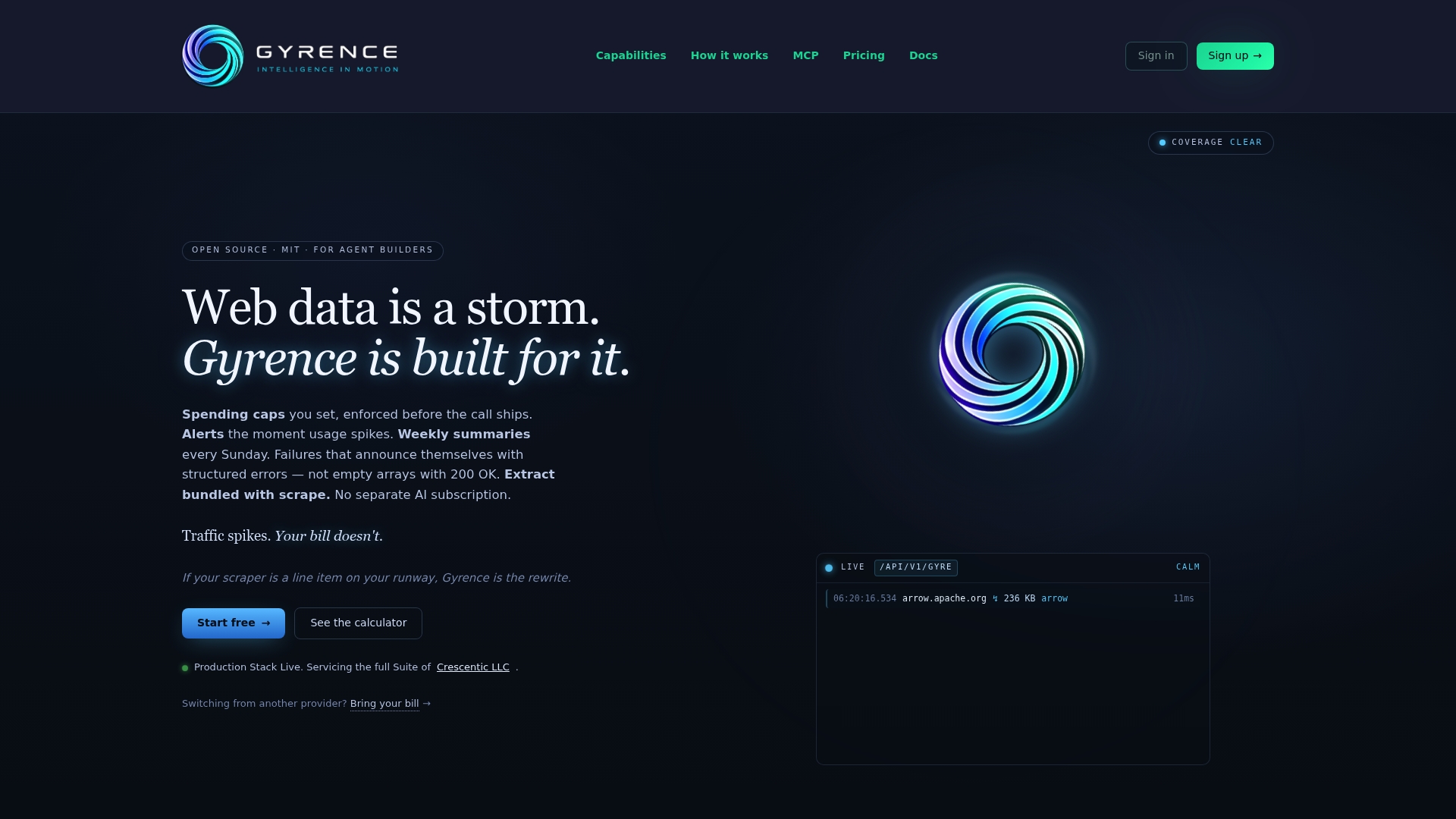
Plans on the pricing page include Free, Founders and Pay-As-You-Go, plus Standard at $75 per month, Growth at $299 per month and Scale at $549 per month. If you need to watch pages for changes, WebDoppler adds monitoring with webhook alerts.
FAQ
Do OpenAI assistants support MCP?
OpenAI's Responses API and Agents API support remote MCP servers over HTTP, and the Agents SDK offers several transports. You declare the server, OpenAI imports its tools and the model can call them. Check OpenAI's current documentation for the exact status of the older Assistants API.
Can I connect a local scraping server to an OpenAI agent?
Yes. A local server can be reached through a Secure MCP Tunnel using a tunnel_id, or through MCPServerStdio in the Agents SDK. A publicly reachable hosted endpoint is simpler because OpenAI can call it directly.
How do I stop an agent from running up scraping costs?
Combine a provider-side spending cap with allowed_tools and a low max_retry_attempts. Then review which primitive generates the most calls, since a site-wide traversal costs far more than a single fetch.
How do I know where a scraped fact came from?
Store the source URL, retrieval time, raw capture reference and parser version with every record. Keep raw captures separate from normalized output so you can reproduce a disputed result later.
Sources
- MCP connections, OpenAI Agents API
- MCP servers, OpenAI tools and connectors
- Model context protocol (MCP), OpenAI Agents SDK
- Auditable Scrape-to-Insight Pipeline Guide
- When an AI Agent Visits a Website, Who Is Really Doing the Accessing?
- MCP Development, Model Context Protocol Integration
- Open Source vs OpenAI: How to Choose for Your Product