
A search-then-extract pipeline takes a question, finds candidate pages on the open web, fetches the ones worth keeping, and returns only the fields you asked for in a fixed schema. The pipeline itself is simple. It fails in the seams between stages: a search hit that is stale, a fetch that returns a block page, an extraction that quietly invents a value. This guide covers the four stages, what to validate between them, and how to keep both cost and provenance under control.
TL;DR
- Run four stages: search, filter, fetch (to markdown), extract (to a schema). Keep each stage's output typed so the next stage can branch on failure.
- Validate extracted output before it reaches a database, a RAG index or an agent. Treat schema errors and missing sources as hard failures.
- Store the source URL and retrieval time with every record. Retrieval finds candidates; it does not prove they are true.
- Cap spend per workspace and per run, so a loop in an agent cannot turn into a surprise bill.
- Check access rules and robots directives before you collect at scale.
Table of Contents
- The four stages
- Stage by stage: what each step must return
- Validate before anything downstream sees the data
- Source traceability for RAG and agents
- Keep the bill predictable
- Legal and access basics for US teams
- Our perspective
- Run it on Gyrence
- FAQ
- Sources
The four stages
| Stage | Input | Output | What goes wrong |
|---|---|---|---|
| Search | A natural-language query | Ranked candidate URLs with snippets | Stale, duplicate or off-topic hits |
| Filter | Candidate URLs | A short list worth fetching | Over-filtering drops the one good source |
| Fetch | Selected URLs | Clean markdown plus status | Blocks, redirects, empty JavaScript shells |
| Extract | Markdown plus a schema | Typed JSON | Missing fields, invented values, wrong units |
The filter stage is the one teams skip. It is also the cheapest place to save money, because every page you do not fetch is a page you do not extract. Drop duplicates by canonical URL, drop results older than your freshness window, and drop domains you have decided not to trust. Our guide to search APIs for research goes deeper on choosing and querying the search step.
Stage by stage: what each step must return

Search
Ask for more candidates than you need, then cut. A query phrased like the fact you want ("Q3 2026 revenue guidance, company X") beats a keyword fragment. Keep the rank and snippet, because you will want them later to explain why a source was picked.
Fetch
Fetching should turn a page into clean markdown: no navigation, cookie banners or footer links burning your token budget. The important part is the status. A fetch that returns "empty page" and a fetch that returns "blocked" are different situations, and your pipeline should handle them differently: retry later in one case, switch source in the other. An API that returns a bare string for both forces you to guess.
This is why Gyrence returns a typed, discriminated-union response from every call, including the failure cases. Your code branches on kind, not on a regex over an error message.

Extract
Extraction is where a prompt or a schema turns markdown into JSON. Define the schema first: field names, types, which fields are required, which may be null. A nullable field is an honest answer. A required field the model cannot find is a failure, not an invitation to guess. The details of schema design are in structured data extraction with schema validation, and if you work in Python, the Pydantic approach maps a model class straight to the extraction schema.
Validate before anything downstream sees the data
Treat extraction output as untrusted input. One open-source example, evidence-enrichment-engine, documents a useful split: schema validation with repair retries, hard failures when provenance is missing, and soft failures for inconsistencies such as units or percentages. You can copy that structure:
- Schema check. Does the JSON parse and match types? If not, retry once with the validation error appended.
- Provenance check. Does every record carry a source URL and retrieval time? If not, reject it.
- Sanity check. Are units, percentages and date ranges plausible? If not, flag for review rather than dropping silently.
- Spot check against the source. For high-stakes fields, confirm the extracted value appears in the fetched markdown.
The last check is cheap and catches the worst failure of LLM extraction: a confident value that appears nowhere on the page.
Source traceability for RAG and agents
If the output feeds a RAG index or an agent, keep the evidence chain. Abhishek Murthy's analysis of provenance in RAG argues that retrieval alone does not establish provenance: you need stable evidence identifiers, validation after generation, and a record of why a source was selected. That maps neatly onto this pipeline. Your search rank and snippet explain the selection. Your fetch gives you the evidence. Your schema validation is the post-generation check.
For durable audit trails you can go further. The gnosis-markdown package records hashes of response bytes and emitted markdown, can write WARC archives and can sign records with Ed25519. You will not need that for every project, but compliance and financial-research workflows often do.
MCP adds a convenient interface here, not a guarantee. The source-pack-mcp project states that it verifies retrieval from the recorded URL and time, but does not verify a publisher's authority or the truth of the content. Treat your MCP tools the same way: they tell the agent what was fetched and when, and your pipeline decides how far to trust it. Exposing tools to an agent also widens the attack surface, so read up on MCP security risks for agents before you wire a hosted endpoint into production.
Keep the bill predictable
Agents loop. A search-then-extract run that fans out to 40 pages per query will do exactly that, at 3 a.m., if nothing stops it. Stripe's overview of API pricing models lists six common ones (pay-per-call, tiered usage, subscription plus usage, freemium, credit-based and outcome-based) and notes that quotas, rate limits and spending caps can guard against runaway usage. Whatever vendor you use, check three things:
- Is there a hard spending cap, and does it stop calls or only send an email?
- Is extraction billed separately from fetching? Separate LLM charges are where estimates drift.
- Does each call have a predictable cost, so you can compute the cost of a run before you start it?
On Gyrence, usage is metered in credits with spending caps, and there is no separate AI extraction charge. For pacing your own requests, see our notes on rate limits and backoff.
Legal and access basics for US teams
This is not legal advice; talk to counsel before collecting at scale, especially behind logins. Two points matter to most pipelines.
First, in Van Buren v. United States (2021) the Supreme Court held that a person exceeds authorized access under the Computer Fraud and Abuse Act when they obtain information from areas of a computer their access does not extend to; an improper purpose alone is not enough. Public pages and gated pages are therefore different questions, and your pipeline should never route around a login.
Second, respect crawl directives even where they are not strictly binding. Read robots.txt before a crawl, and read page-level directives too: see what your crawler must read in robots meta tags and how a server error can change robots.txt handling. For the wider picture, this look at AI crawlers and robots.txt covers how crawlers treat these files. Our overview of the four legal axes of scraping and the audit-ready controls give you a checklist to hand to a reviewer.
Our perspective
Most scraping pipelines fail quietly. The search returns something plausible, the fetch returns a block page that looks like content, and the extractor fills the schema anyway. Nothing throws. A wrong number lands in a dashboard.
We built Gyrence around the opposite assumption: web data is a storm, and a tool should tell you what it saw. Every primitive (Search, Traverse, Fetch, Extract, Map) returns a typed response, failures included, so an agent can reason about "blocked" or "empty" instead of guessing. We think that is the minimum for anything an agent will act on.
Billing should be as honest as the responses. Spending caps and per-call credit costs mean you can price a run before you launch it, and because extraction is bundled, the LLM step does not add a second meter. Your bill should not surprise you any more than your data should.
Glen
Run it on Gyrence
The whole pipeline maps to the primitives: Search for candidates, Fetch for markdown, Extract for schema-guided JSON, Traverse and Map when a source is a whole site rather than a single page. You can call the API directly or connect through the hosted MCP endpoint from LangChain, LlamaIndex or a custom client. Plans include Free, Founders and Pay-As-You-Go, plus Standard at $75 per month, Growth at $299 per month and Scale at $549 per month. See pricing and plans to pick one.
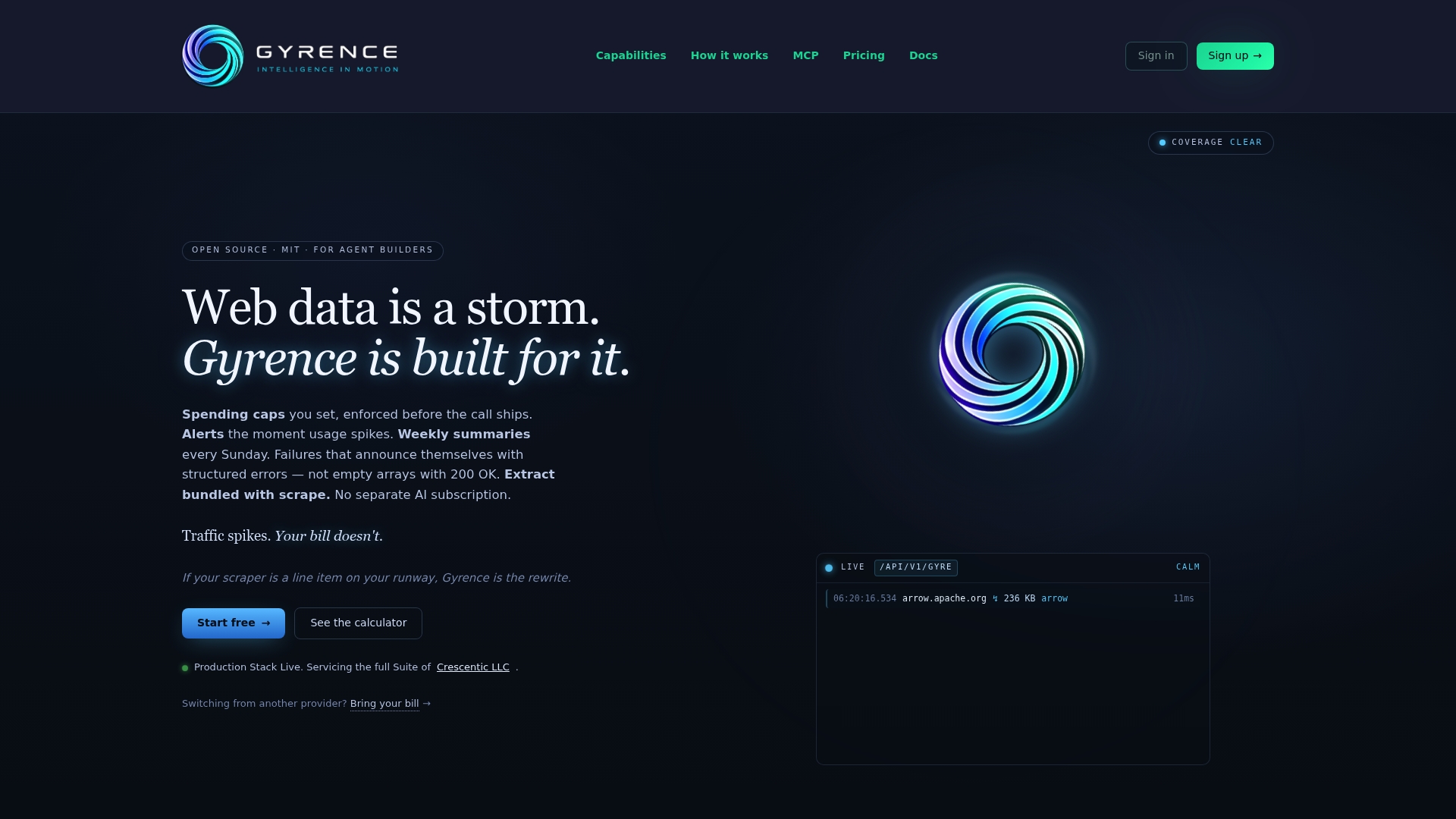
If the pages you need change over time, WebDoppler monitors them and sends webhook alerts, so you re-extract when something moves rather than on a blind schedule.
FAQ
What is a search-then-extract pipeline?
It is a workflow that searches the web for pages likely to answer a question, filters the results, fetches the chosen pages as clean text, and extracts the needed facts into a defined schema. The point is that you collect only what you need, in a form code can consume.
Why not just crawl whole sites and extract everything?
Crawling everything costs more in fetches, extraction and storage, and most pages will not matter. Search first when you have a question; crawl or map a site when you need coverage of one specific source.
How do I stop the extraction step from inventing values?
Make uncertain fields nullable, require a source URL on every record, and verify key values against the fetched markdown. Retry once on schema errors with the error message included, then fail loudly rather than accepting a guess.
How do I keep costs predictable?
Set a spending cap, budget per run rather than per month, and choose a vendor where extraction is not metered separately. Estimate a run as candidates fetched times cost per call before you start.
Sources
- evidence-enrichment-engine (GitHub)
- RAG is not provenance, Abhishek Murthy
- gnosis-markdown on PyPI
- source-pack-mcp (GitHub)
- API Call Pricing: How to Calculate and Manage Costs, Stripe
- U.S. Supreme Court Resolves Circuit Split on Meaning of Exceeds Authorized Access
- llms.txt vs robots.txt: AI crawlers still obey robots first
- MCPs: The New Frontier in AI Agent Security